Shape your encounter
Place floors, walls, doors, trees and props. Snap pieces together, move them by dragging, and adjust their elevation. Wide curves and 45° wall sections give your rooms space to breathe.
OPEN SOURCE · OFFLINE · YOURS
A workshop for dungeon masters, world builders and miniature makers. Arrange detailed terrain in 3D, save your scenes on your PC, then prepare the pieces for your 3D printer.
No account. No signup. No cloud saves.
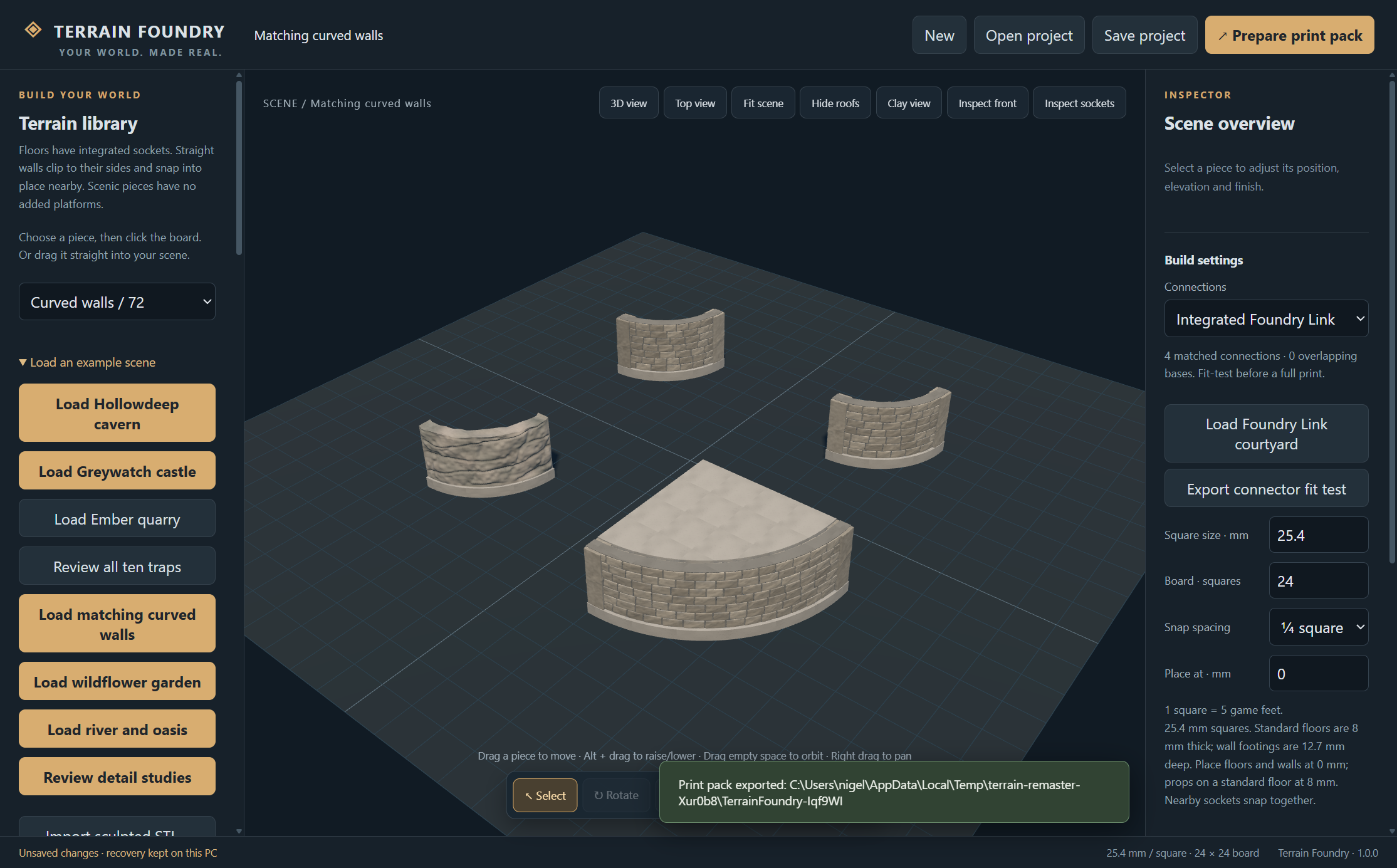 DESIGNED ON YOUR DESK.
Actual editor view · original modular scenery
THE WORKSHOP
Lay out a ruined keep, a winding cavern or a wildflower clearing. Work at tabletop scale with a library of original scenery.
Place floors, walls, doors, trees and props. Snap pieces together, move them by dragging, and adjust their elevation. Wide curves and 45° wall sections give your rooms space to breathe.
Save editable projects to your computer. Open them offline and keep building. Recovery files help protect work in progress. Updates do not replace your personal projects.
The small launcher downloads the editor and scenery from GitHub. It checks for signed updates when online and reuses unchanged packs. The installed editor works without an internet connection.
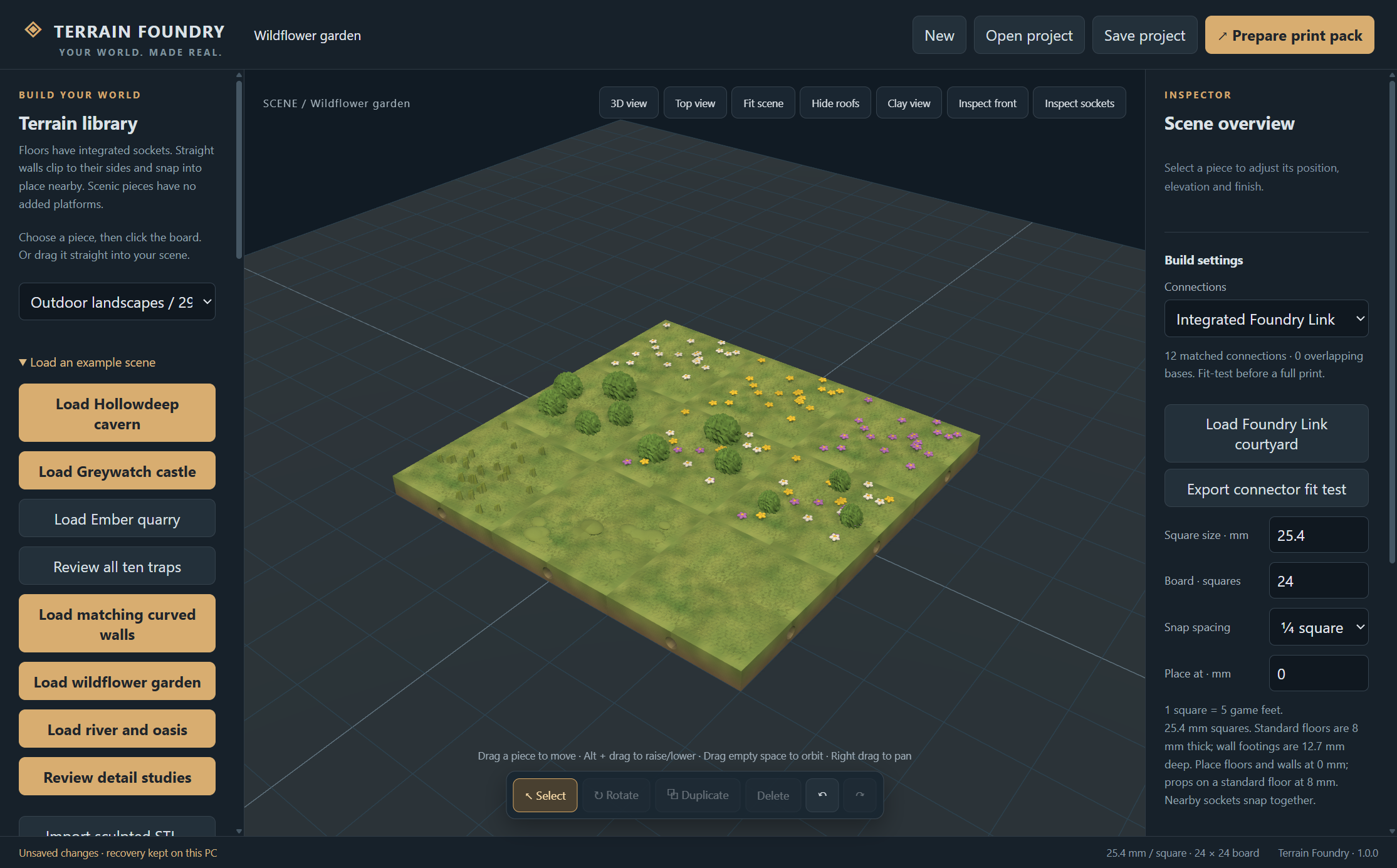
BEYOND THE DUNGEON
Meadows, flowers, shrubs and trees. Rivers and bridges. Weathered cave walls and broad stone curves. Original scenery, with sculpted detail that becomes part of the print.
Preview colours and fine material shading are not included in STL files.
FROM SCENE TO TABLE
Export an STL print pack with separate terrain pieces, a quantity list and your editable project. Open the STLs in Bambu Studio, choose your printer and material, then inspect supports and sliced layers.
The open-source release uses Foundry Link, our original openly licensed connector. Print a small connector fit test before a full scene. It is a new system, with no claim of compatibility with existing OpenLOCK prints.
YOUR NEXT ADVENTURE STARTS HERE
The source is public on GitHub. The first signed Windows release is being verified; its download link will appear here when published.
Windows 10/11 · Initial installation needs internet · No account required for public downloads
Release installers must carry a verified MGN CONSULTANCY LIMITED publisher signature.